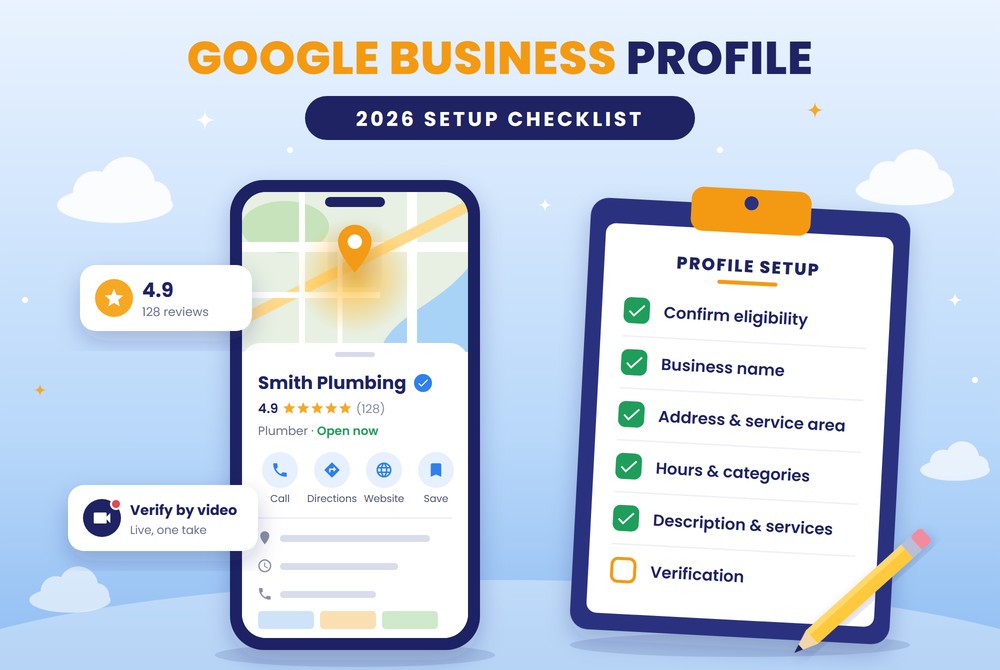


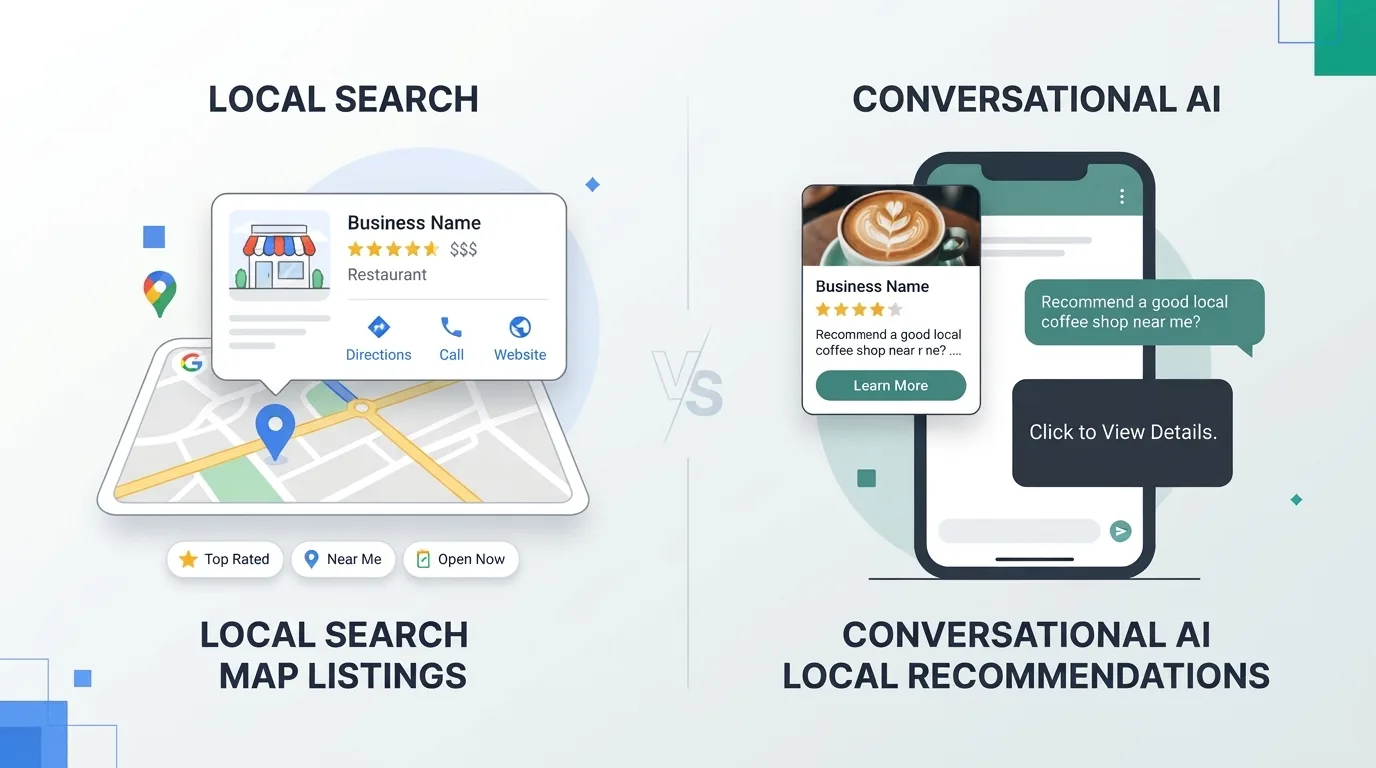

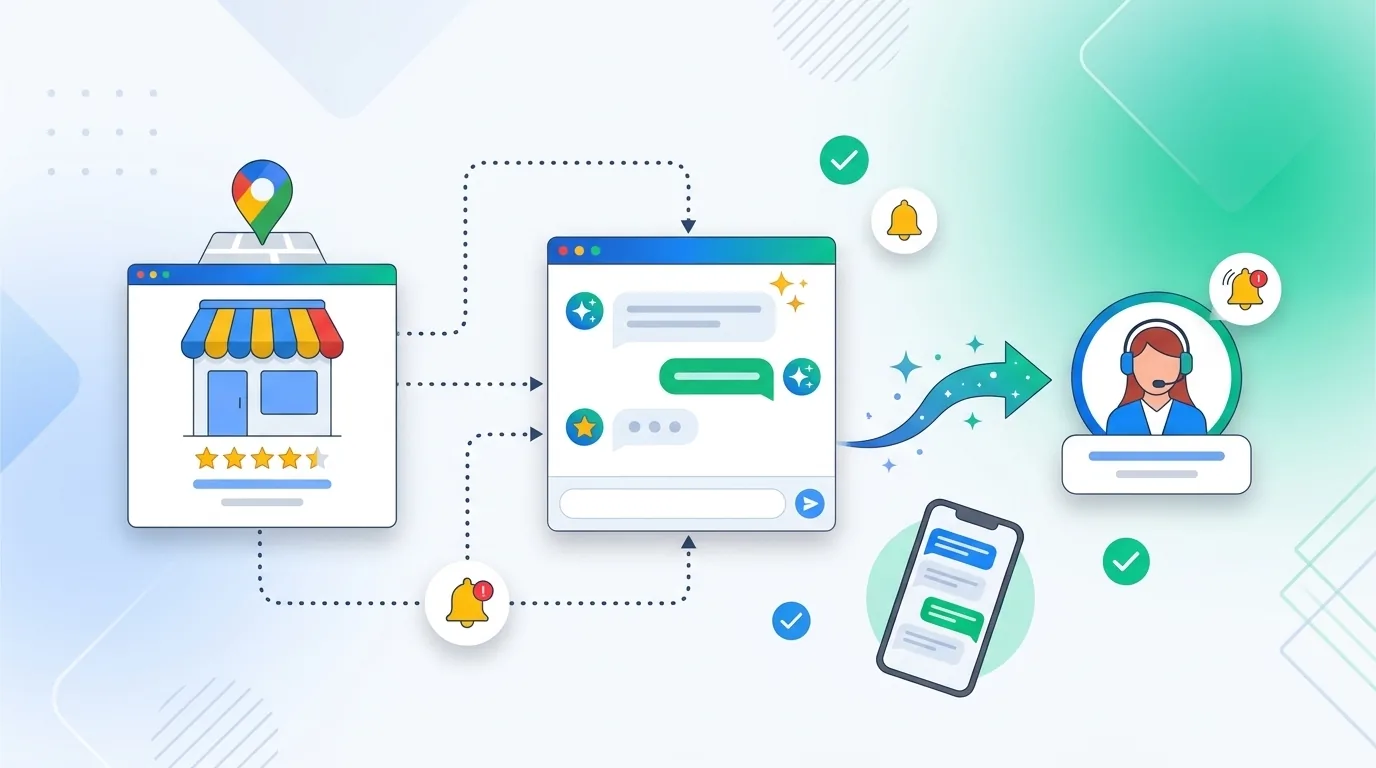
Google Business Profile AI messaging is here, and it gives local businesses a new way to turn searches into customers. Messaging is returning to Business Profiles, and this time an AI agent replies to customers for you, even at 9 PM on a Sunday.
Here's what changed, how it works, and what to do before your competitors notice.
What Is Google Business Profile AI Messaging?
Google Business Profile AI messaging lets customers text your business directly from Google Search and Maps. An AI agent built into your profile answers routine questions instantly, and it hands the conversation to you when a question needs a human.
Customers send messages from their phone's own texting app, and every conversation is saved in your Business Profile. Google is offering the AI agent free to businesses in its pilot.
Why Google Business Profile Messaging Went Away
Google shut down native Business Profile chat in July 2024. After that, Google's own help center promoted WhatsApp and SMS as the way customers could reach businesses from their profiles.
In June 2026, a new Messages button briefly appeared in Business Profile dashboards and then disappeared. That was a test. Google is now expanding access to more businesses.
How the AI Agent Handles Your Conversations
The new dashboard sorts conversations into two groups: “Needs your attention” and “Handled by your AI agent”. The AI answers everyday questions about hours, services and availability. Your team only sees the chats that need a person, and you can take over any conversation at any time.
Can the AI Agent Book Appointments?
Partly. Google's pilot invitation says the agent can handle common questions and help with reservations, and it sends complex requests to you. Google's examples so far focus on restaurants, like showing menu items and offering open reservation times.
Planning something like this? Talk with AIM Squad or call (888) 788-9123.
For service businesses such as dentists, contractors and med spas, think of the AI agent as a front-desk assistant. It answers the basics, captures the inquiry and passes qualified leads to your team.
How to Check If You Have Access
- Log in to your Google Business Profile.
- Look for Messages in your profile menu. A red dot on it means AI messaging is available to you.
- Click Messages and follow the welcome screen to turn the feature on.
- Make sure the phone number on your profile can receive texts.
Don't see it yet? Google calls this an early-access pilot and is rolling it out gradually, so check back often.
Be Ready for Another Verification Step
Some marketers report that Google is asking businesses to verify again before turning on AI messaging. Requests may include business details, an EIN or a personal ID, and confirmation of a business email address. Google hasn't published these requirements, so have those documents ready in case you're asked.
The RCS Catch
The AI agent only works for customers whose phone and carrier support RCS, the newer texting standard. Customers without RCS will text your business phone directly as standard SMS, and standard text rates may apply. Someone on your team still needs to watch that number.
Your AI Agent Is Only as Smart as Your Profile
The agent draws its answers from your Business Profile and website. If your hours are wrong, your service list is incomplete or your pricing is outdated, the agent will give customers wrong answers on your behalf.
Before you turn on Google Business Profile AI messaging:
- Confirm your hours, including holiday hours
- List every service you offer, with clear descriptions
- Add current pricing or price ranges where it makes sense
- Make sure your website's service pages match your profile
- Answer common customer questions in your profile and on your site
If a service isn't listed anywhere, the AI has no way to know you offer it.
Why Acting Now Gives You an Edge
Many business owners will see another verification step and decide it isn't worth the effort. That's your opening.
Google is also testing a “Chat” option in search result sitelinks, and the new dashboard includes a Promote tab that points to ads sending people directly into chat. Messaging is becoming a bigger part of how customers reach local businesses. The businesses with clean profiles and messaging already running will capture those leads first.
Frequently Asked Questions
Is Google Business Profile AI messaging free?
Yes. Google is currently offering the AI agent at no cost during its pilot. Customers who don't have RCS may pay standard text rates.
Does every business have access?
Not yet. Google is rolling it out gradually. Look for a red dot on Messages in your Business Profile.
Want this done for your business? Start your project or call (888) 788-9123.
What happens when the AI agent can't answer a question?
It hands the conversation to you, and you can take over any chat whenever you want.
Where does the AI agent get its answers?
From your Business Profile and your website. Keeping both accurate is the best way to make sure customers get correct answers.
Get a Free AI Messaging Readiness Check
Before you turn on the AI agent, make sure it has the right information to work with. AIM Squad will review your Google Business Profile for free and flag outdated hours, missing services and gaps that could lead to wrong answers. We can also handle verification and setup for you. Request your free readiness check.
References and Citations
- offering the AI agent free to businesses in its pilot. seroundtable.com. https://seroundtable.com/google-business-profiles-ai-powered-messaging-42419.html
- shut down native Business Profile chat in July 2024. launchcodex.com. https://launchcodex.com/?p=3741
- promoted WhatsApp and SMS. support.google.com. https://support.google.com/business/answer/15934070?hl=en
- briefly appeared in Business Profile dashboards. the215guys.com. https://www.the215guys.com/blog/google-brings-back-gbp-messaging-ai-chatbot/
- “Needs your attention” and “Handled by your AI agent”. unclaimed.bearblog.dev. https://unclaimed.bearblog.dev/unclaimed-20-google-ai-agent-gbp-messaging-accounting-firms/
- draws its answers from your Business Profile and website. launchcodex.com. https://launchcodex.com/?p=7171